 Arc Docs
Getting Started
Why read docs when you can just read the code?
Something needs fixing? Want to add a new feature?
Creating an issue documents changes to incorporate and lets everyone know what you're working on.
Here's a guide on writing github issues.
Why issues matter
Maintainers use issues to track work. Starting without one can result in duplicate or rejected pull requests.
Git Commands Cheatsheet
Quick Reference
When working on open-source projects, knowing your basic Git commands is essential.
Here’s a handy cheatsheet you can always refer to:
See Knowledge Base - Learn Git for resources.
Why Use a TUI?
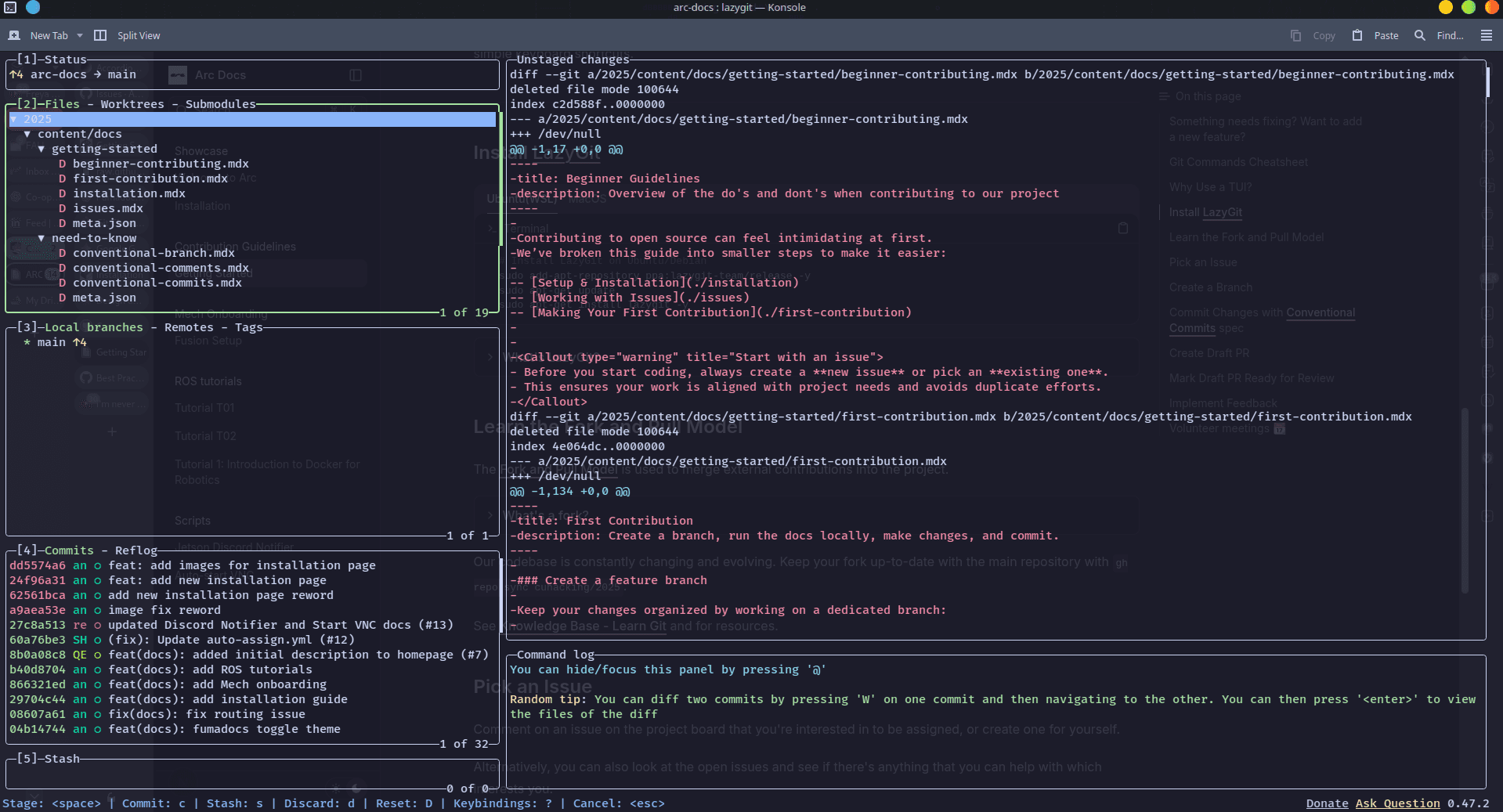
Using a terminal user interface (TUI) like LazyGit is highly encouraged to manage your commits, branches, staging areas, stashes, and much more.
It’s also significantly easier to resolve merge conflicts, cherry-pick commits between branches, squash them, amend a few commits back, checkout a specific commit, or stage in hunks.
With LazyGit, you unlock the full power of Git without having to memorize every command — just navigate with simple keyboard shortcuts.
Install LazyGit
  # Install LazyGit on Ubuntu/Debian
  sudo add-apt-repository ppa:lazygit-team/release -y
  sudo apt-get update
sudo apt-get install lazygit -y # Install LazyGit on MacOS
brew install lazygitLearn LazyGit
Want a step-by-step walkthrough on using LazyGit?
Check out this excellent guide by freeCodeCamp:
👉 How to Use LazyGit to Improve Your Git Workflow
Learn the Fork and Pull Model
The Fork and Pull Model is used to merge external contributions into the project.
Our codebase is constantly changing and evolving. Keep your fork up-to-date with the main repository with gh repo sync Autonomous-Robotics-Carleton/arc-docs.
Pick an Issue
Comment on an issue on the project board that you're interested in to be assigned, or create one for yourself.
Alternatively, you can also look at the open issues and see if there's anything that you can help with which interests you.
Make sure to let us know that you're interested in working on an issue by commenting on it.
Create a Branch
Branch from main with the following name format:
yourname/<issue-type>/<issue-number>-<issue-name-kebab-cased>.
Your branch must be named the same as the issue, without the scopes.
For example, the branch for issue #1 titled 'feat(portal): add login page' would be:
johndoe/feat/1-add-login-page.
Please See the Conventional Branch to learn more.
Commit Changes with Conventional Commits spec
Please See the Conventional Commits to learn more.
🎉 Great work! Now that your commits follow the proper convention, you’re ready to open a Pull Request.
Please see the Pull Request Guidelines to learn how to submit your changes.